Python has become one of the most widely used programming languages for data handling, automation, and introductory computing education. Its readable syntax and extensive ecosystem make it particularly suitable for learners who want practical programming skills without focusing exclusively on computer science theory.
In many educational settings, there is growing demand for programming resources that emphasize real-world data use rather than abstract algorithmic complexity. This shift reflects the needs of students and professionals in fields such as information science, business, research, and digital humanities, where programming is a tool rather than an end in itself.
About the book
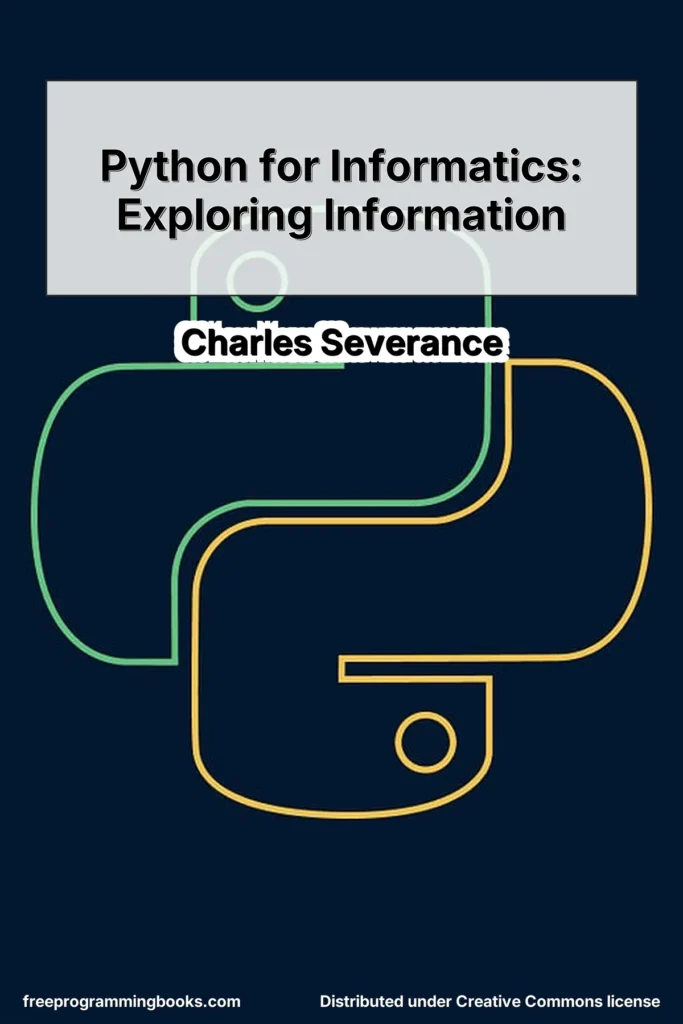
Python for Informatics: Exploring Information by Charles Severance is an open textbook designed to teach Python with a strong emphasis on data exploration and practical computing tasks. The book is licensed under the Creative Commons-NonCommercial-ShareAlike 4.0 International License.
The text originated as a remix of Think Python: How to Think Like a Computer Scientist by Allen B. Downey and others, but it reorganizes and extends the material to focus on informatics and data analysis. According to the preface, the structure was modified to introduce data-oriented examples early and to support learners whose primary goal is to use programming as a practical skill rather than to become professional software developers.
The book is particularly suited for:
- Students in information-related disciplines
- Self-learners seeking practical Python skills
- Professionals in non-computer science fields who want to work with data
- Beginners who prefer incremental explanations and applied examples
Chapters 2–10 retain structural similarities to Think Python but replace number-focused exercises with data-oriented problems. New material in Chapters 1 and 11–16 focuses on real-world data use, including networking, web scraping, web services, databases, and automation.
The level assumes no prior programming experience and introduces concepts gradually, with attention to terminology, debugging, and practical exercises.
What you will learn
Readers will develop foundational Python programming skills while applying them to data-related tasks. The book covers:
- Core programming constructs such as variables, expressions, conditionals, loops, functions, and data structures
- Working with strings, lists, dictionaries, and tuples
- File input and output
- Error handling using
tryandexcept - Regular expressions for searching and parsing text
- Retrieving data over HTTP
- Parsing HTML, XML, and JSON
- Using web services and APIs
- Creating and querying databases using Structured Query Language (SQL)
- Basic data modeling and working with multiple database tables
- Visualizing data
- Automating tasks on a local computer
The emphasis throughout is on practical data handling: reading structured and unstructured data, extracting meaningful information, storing it, and performing analysis-oriented tasks.
Table of contents
Preface
The strange history of “Think Python”
- Acknowledgements for “Think Python”
- Chapter 1 Why should you learn to write programs?
1.1 Creativity and motivation
1.2 Computer hardware architecture
1.3 Understanding programming
1.4 Words and sentences
1.5 Conversing with Python
1.6 Terminology: interpreter and compiler
1.7 Writing a program
1.8 What is a program?
1.9 The building blocks of programs
1.10 What could possibly go wrong?
1.11 The learning journey
1.12 Glossary
1.13 Exercises - Chapter 2 Variables, expressions and Statements
2.1 Values and types
2.2 Variables
2.3 Variable names and keywords
2.4 Statements
2.5 Operators and operands
2.6 Expressions
2.7 Order of operations
2.8 Modulus operator
2.9 String operations
2.10 Asking the user for input
2.11 Comments
2.12 Choosing mnemonic variable names
2.13 Debugging
2.14 Glossary
2.15 Exercises - Chapter 3 Conditional execution
3.1 Boolean expressions
3.2 Logical operators
3.3 Conditional execution
3.4 Alternative execution
3.5 Chained conditionals
3.6 Nested conditionals
3.7 Catching exceptions using try and except
3.8 Short circuit evaluation of logical expressions
3.9 Debugging
3.10 Glossary
3.11 Exercises - Chapter 4 Functions
4.1 Function calls
4.2 Built-in functions
4.3 Type conversion functions
4.4 Random numbers
4.5 Math functions
4.6 Adding new functions
4.7 Definitions and uses
4.8 Flow of execution
4.9 Parameters and arguments
4.10 Fruitful functions and void functions
4.11 Why functions?
4.12 Debugging
4.13 Glossary
4.14 Exercises - Chapter 5 Iteration
5.1 Updating variables
5.2 The While statement
5.3 Infinite loops
5.4 “Infinite loops” and break
5.5 Finishing iterations with continue
5.6 Definite loops using for
5.7 Loop patterns
5.7.1 Counting and summing loops
5.7.2 Maximum and minimum loops
5.8 Debugging
5.9 Glossary
5.10 Exercises - Chapter 6 Strings
6.1 A string is a sequence
6.2 Getting the length of a string using len
6.3 Traversal through a string with a loop
6.4 String slices
6.5 Strings are immutable
6.6 Looping and counting
6.7 The in operator
6.8 String comparison
6.9 string methods
6.10 Parsing strings
6.11 Format operator
6.12 Debugging
6.13 Glossary
6.14 Exercises - Chapter 7 Files
7.1 Persistence
7.2 Opening files
7.3 Text files and lines
7.4 Reading files
7.5 Searching through a file
7.6 Letting the user choose the file name
7.7 Using try, except, and open
7.8 Writing files
7.9 Debugging
7.10 Glossary
7.11 Exercises - Chapter 8 Lists
8.1 A list is a sequence
8.2 Lists are mutable
8.3 Traversing a list
8.4 List operations
8.5 List slices
8.6 List methods
8.7 Deleting elements
8.8 Lists and functions
8.9 Lists and strings
8.10 Parsing lines
8.11 Objects and values
8.12 Aliasing
8.13 List arguments
8.14 Debugging
8.15 Glossary
8.16 Exercises - Chapter 9 Dictionaries
9.1 Dictionary as a set of counters
9.2 Dictionaries and files
9.3 Looping and dictionaries
9.4 Advanced text parsing
9.5 Debugging
9.6 Glossary
9.7 Exercises - Chapter 10 Tuples
10.1 Tuples are immutable
10.2 Comparing tuples
10.3 Tuple assignment
10.4 Dictionaries and tuples
10.5 Multiple assignment with dictionaries
10.6 The most common words
10.7 Using tuples as keys in dictionaries
10.8 Sequences: strings, lists, and tuples–Oh My!
10.9 Debugging
10.10 Glossary
10.11 Exercises - Chapter 11 Regular expressions
11.1 Character matching in regular expressions
11.2 Extracting data using regular expressions
11.3 Combining searching and extracting
11.4 Escape character
11.5 Summary
11.6 Bonus section for Unix users
11.7 Debugging
11.8 Glossary
11.9 Exercises - Chapter 12 Networked programs
12.1 HyperText Transport Protocol – HTTP
12.2 The World’s Simplest Web Browser
12.3 Retrieving an image over HTTP
12.4 Retrieving web pages with urllib
12.5 Parsing HTML and scraping the web
12.6 Parsing HTML using Regular Expressions
12.7 Parsing HTML using BeautifulSoup
12.8 Reading binary files using urllib
12.9 Glossary
12.10 Exercises - Chapter 13 Using Web Services
13.1 eXtensible Markup Language – XML
13.2 Parsing XML
13.3 Looping through nodes
13.4 JavaScript Object Notation – JSON
13.5 Parsing JSON
13.6 Application Programming Interfaces (API)
13.7 Google geocoding web service
13.8 Security and API usage
13.9 Glossary
13.10 Exercises - Chapter 14 Using databases and Structured Query Language (SQL)
14.1 What is a database?
14.2 Database concepts
14.3 SQLite manager Firefox add-on
14.4 Creating a database table
14.5 Structured Query Language (SQL) summary
14.6 Spidering Twitter using a database
14.7 Basic data modeling
14.8 Programming with multiple tables
14.8.1 Constraints in database tables
14.8.1.1 Retrieve and/or insert a record
14.8.2 Storing the friend relationship
14.9 Three kinds of keys
14.10 Using JOIN to retrieve data
14.11 Summary
14.12 Debugging
14.13 Glossary - Chapter 15 Visualizing data
15.1 Building a Google map from geocoded data
15.2 Visualizing networks and interconnections
15.3 Visualizing mail data - Chapter 16 Automating common tasks on your computer
16.1 File names and paths
16.2 Example: Cleaning up a photo directory
16.3 Command line arguments
16.4 Pipes
16.5 Glossary
16.6 Exercises - Chapter 17 Appendix
17.1 Python Programming on Windows
17.2 Python Programming on Macintosh
17.3 Contributor List
17.4 Copyright Detail
Book details
- Title: Python for Informatics: Exploring Information
- Author(s): Charles Severance
- Main category: Programming
- Subcategory: Python
- License: Creative Commons-NonCommercial-ShareAlike 4.0 International License
More books in: Programming, Python
Legal notice: This book is shared for educational purposes only. The content is distributed under Creative Commons licenses or with explicit permission from the author. FreeProgrammingBooks may host files that comply with their respective licenses.